Design and machining live in one model
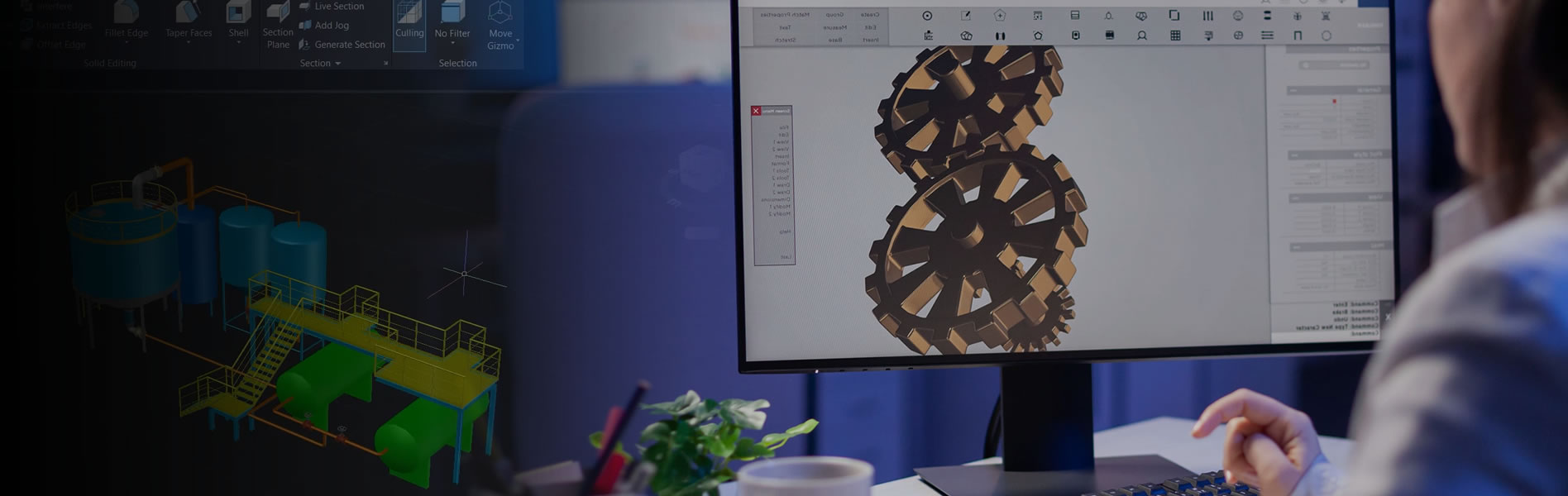
For teams using Creo, CAM extensions like Creo Complete Machining and Creo Prismatic and Multi-Surface Milling let you specify toolpaths and visualise the cut before it reaches the shop floor — no export or import required.
Because CAD and CAM stay associative inside Creo, a design change recalculates the toolpath for you instead of forcing a rework.
CAD and CAM, Associative by Design
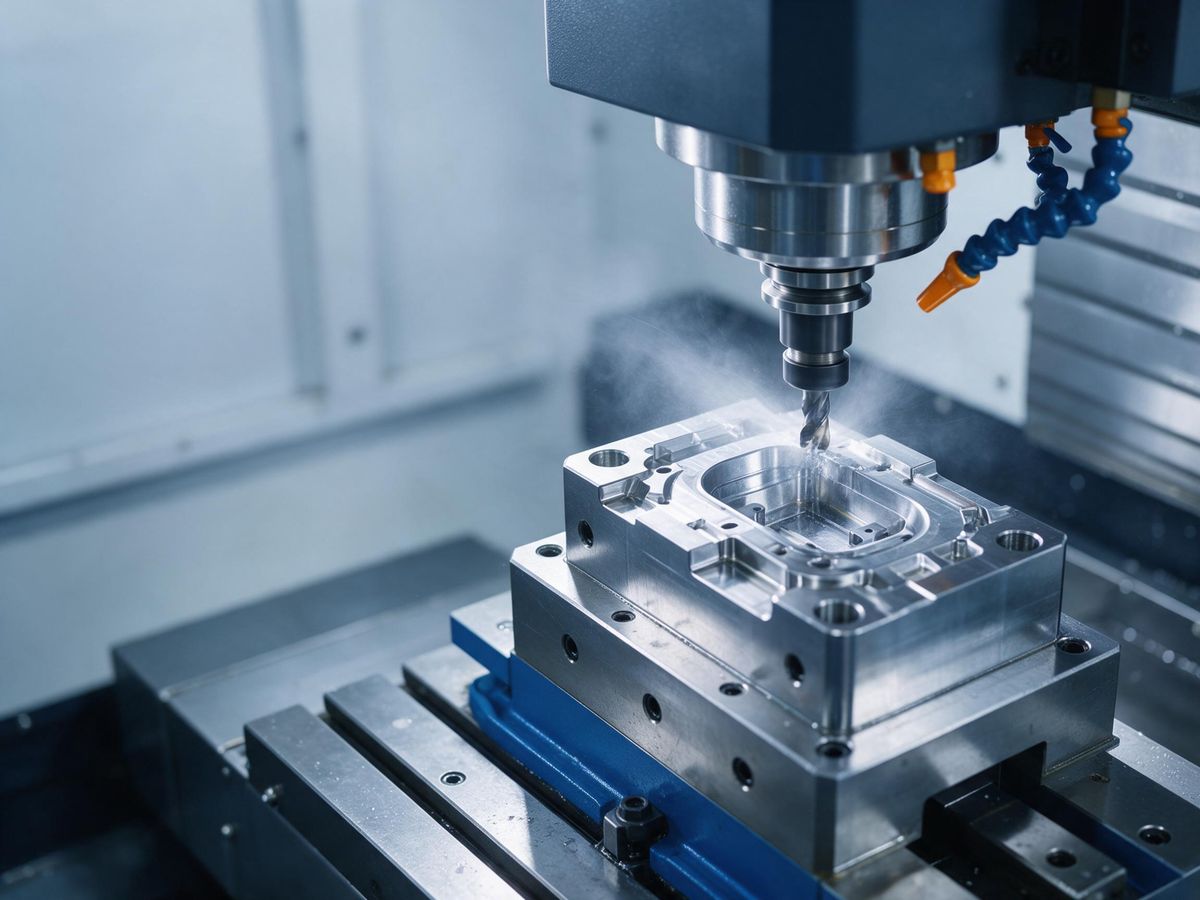
Specify tools and toolpaths, simulate material removal and visualise the cut before anything reaches the shop floor.
Machine the finished part, or apply final finishing operations on cast or 3D-printed parts, directly inside Creo — no export or import required.
See animations of the toolpaths and material removal as you design.
CAD and CAM stay associative inside Creo — a design change recalculates the toolpath instead of forcing a rework.