
Engineering Math Software
Mathcad is engineering math software that allows you to perform, analyze and share your most vital calculations. Calculations are the heart of your engineering information — you and your team must be able to find, reuse and share this important intellectual property.
What is Mathcad? PTC Mathcad has all your engineering notebook's ease-of-use and familiarity, combined with live mathematical notation, units intelligence and powerful calculation capabilities. It lets you present calculations with plots, graphs, text and images in a single document — nobody needs specialized skills to understand PTC Mathcad data, and once your intellectual property is preserved, you can leverage it for other projects. CADOpt Technologies provides Mathcad software in Bangalore, India.
Why PTC Mathcad
Create, manage and communicate your design intent with one tool. Why use several types of software when PTC Mathcad has what you need? Open up a worksheet and perform your engineering calculations using the math notation you're used to. Add images, write some text, and put in graphs or plots — your PTC Mathcad worksheet is more than just engineering calculation software or a professionally-formatted document: it's the place where your design intent lives.
Benefits of PTC Mathcad
- Content Protection
- Engineering Notebook Powered by PTC Mathcad
- Advanced Engineering Math
- Advanced Numerics and Custom Functions
- Programming
- Create Templates
- X-Y Plots
- 3D Plots
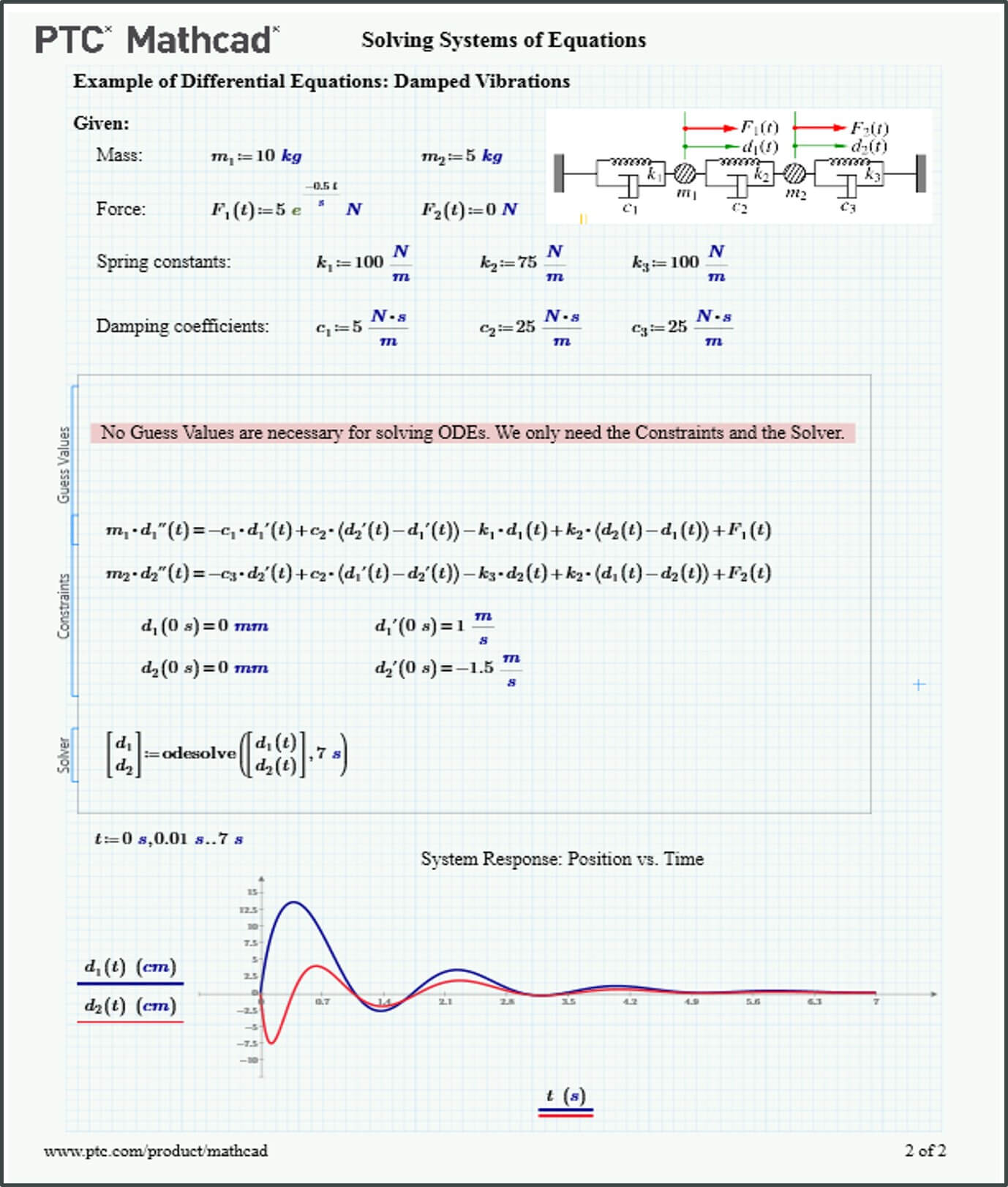
- Solving Systems of Equations
- Trig Equation Solver
- Engineering Unit Converter
- Comprehensive Documentation
- Symbolics
- PTC Mathcad for the CAD Engineer
- Excel Component
CADOpt Technologies renders engineering services, data migration and drawing conversion (2D-3D) in Bangalore, since inception in 2014.
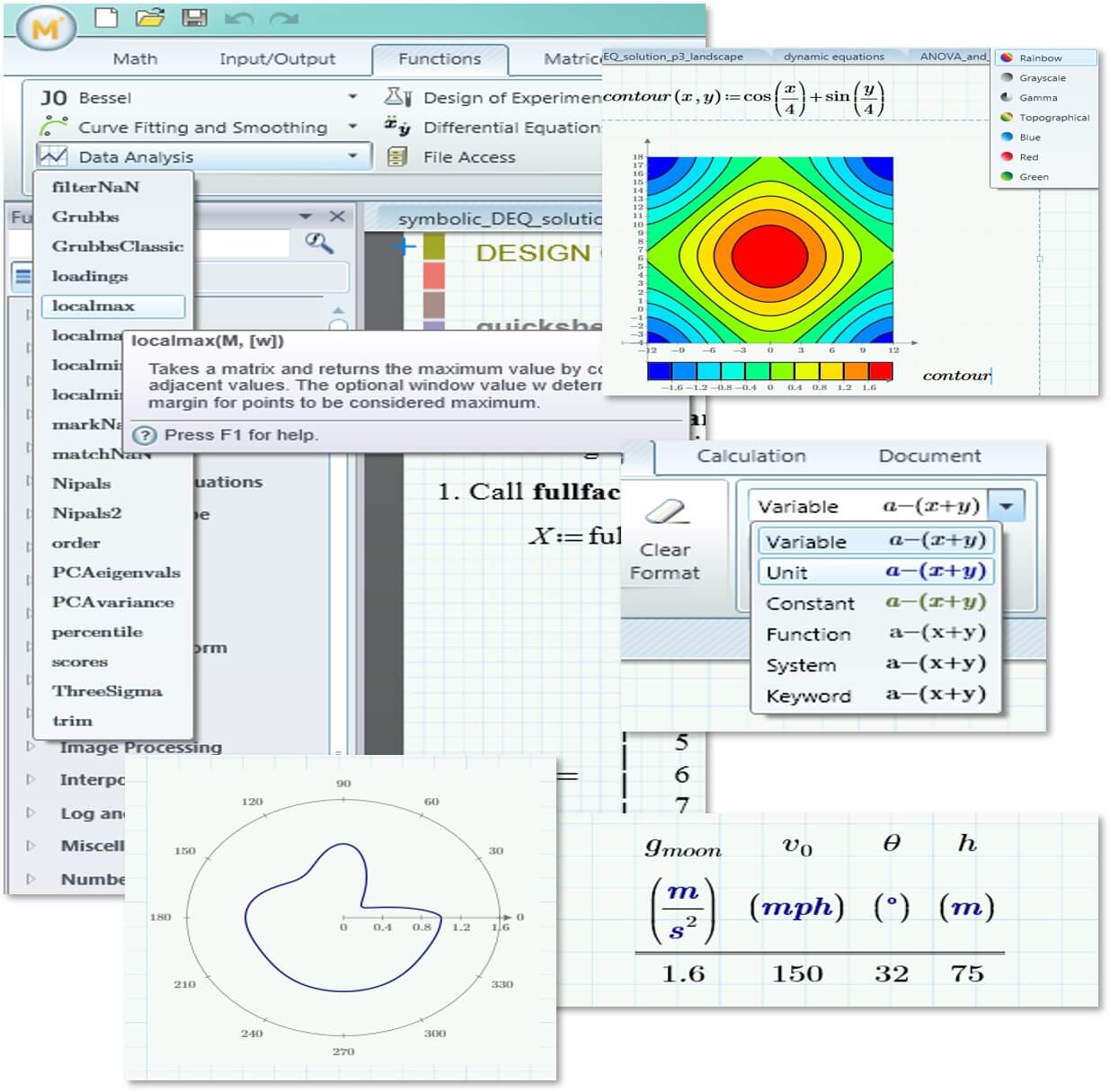
Engineering Calculation Software That Integrates Multiple Content Types
Live math documents with standard mathematical notation for transparency and readability.
Powerful Math Engine
- Numeric and symbolic calculations
- Rich function library
- Comprehensive units management
Visual Presentation Features
- Fully formatted text and math
- 2D, 3D, polar and contour plots
- Full control over display content
Enables Enterprises To
- Prevent loss of IP and improve knowledge capture
- Optimize critical design and engineering processes
- Improve product quality
- Speed up time to market
- Improve compliance with regulations
Enables Engineers To
- Solve, document, share and re-use vital calculations and design methods
- Capture and transfer engineering knowledge
- Perform calculations with accuracy and precision
- Easily validate methods and results
Advanced Engineering Math
- Programming
- Solving and optimization
- Matrix math capabilities
- Custom functions
Integrations to Third Parties
- Microsoft Excel
- PTC Creo
- PTC Windchill
- Multiple data file formats
Process Enhancements
- Standardize on approved calculation workflows
- Standardize on calculation best practices
- Build libraries of validated formulas and equations
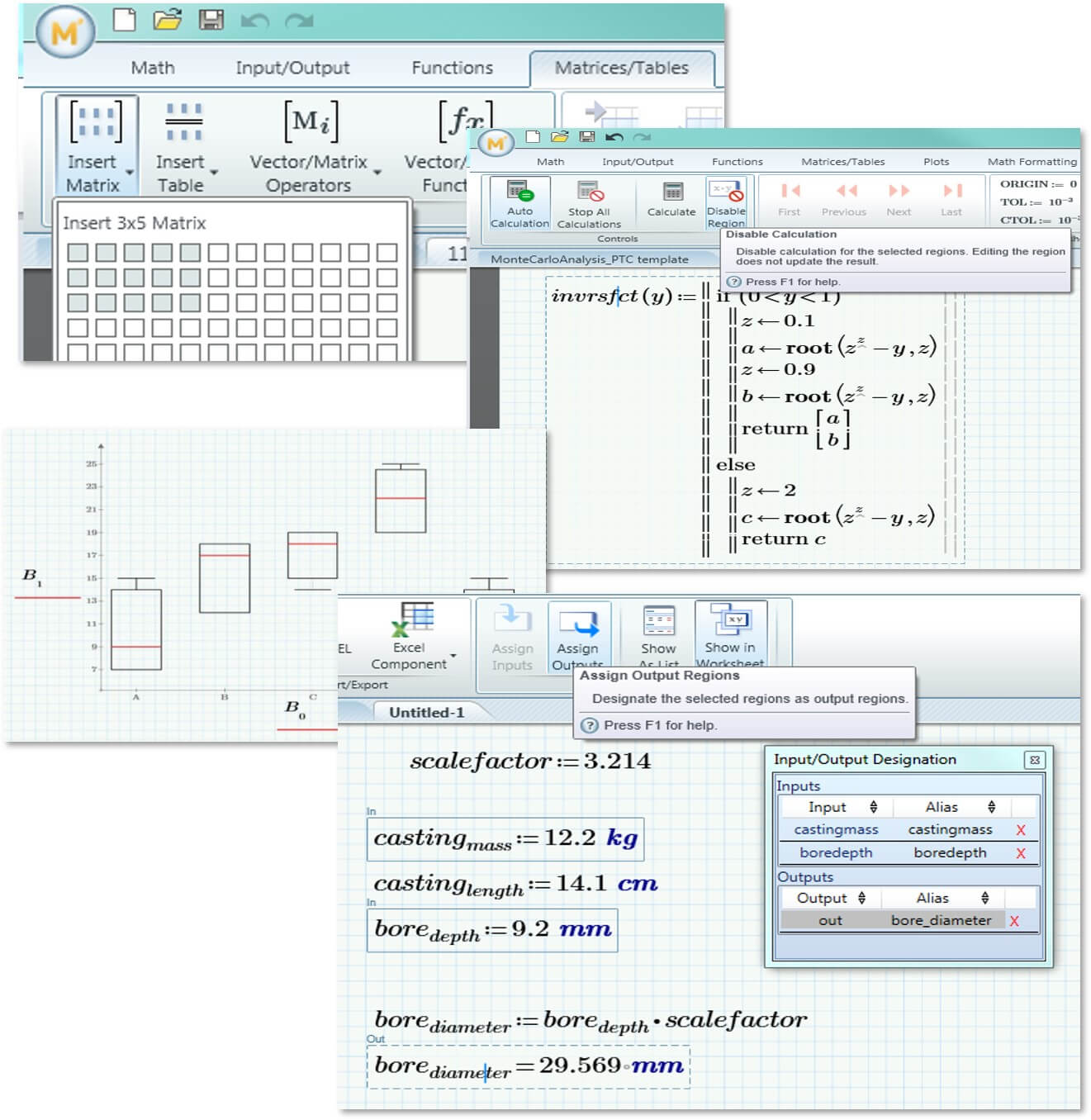
Application Updates
Several updates to application-level functionality include important features requested by users:
- Set warnings for when user- or system-defined identifiers such as variables, constants and functions are redefined in your worksheet, avoiding unknowingly changing the definition of critical parameters.
- A new partial derivative operator in the Operators menu, for calculations that include partial derivatives.
- Independently turn on header, footer, or page-view border with the new show-frame functionality.
- In Prime 8, copy multiple values and paste them into combo-box edit mode, making combo-box input control creation easier.
Other Products
Explore more solutions across the PTC product ecosystem.